Add a Workshop and Users
Create a workshop
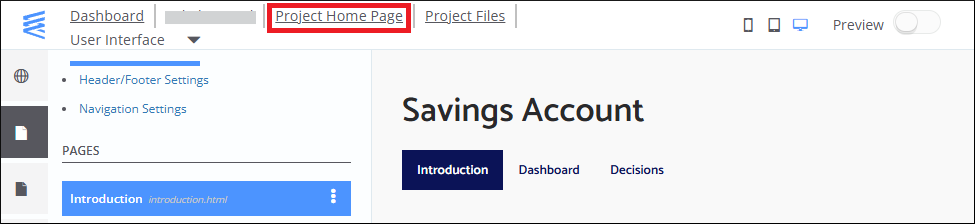
- At the top of the Interface Builder page, click Project Home Page.
- Create a workshop as described in the workshop admin guide.
Add users
After you create a workshop, the User Details page opens.
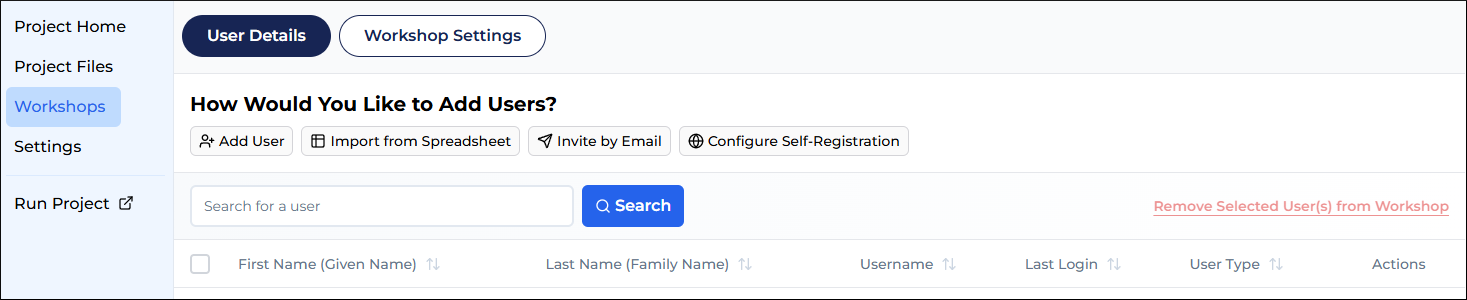
Here, create a participant and a facilitator for your simulation.
To create a user:
- Click the Add User button.
- Follow the user creation wizard.
note
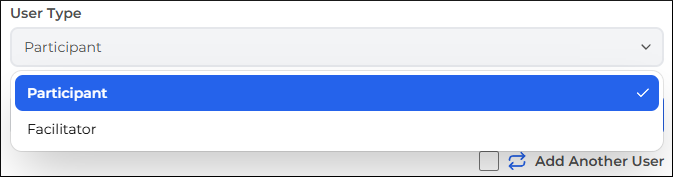
When entering user details, ensure you create one user as a participant and another as a facilitator.