Test Your Application
Let's see how participants and facilitators will use the app.
At the top of any Interface Builder page, click Project Home Page. The Project Home opens.
Make your application authenticated
To ensure that the users of your application are required to log in:
- On the left of the project home page, click Settings.
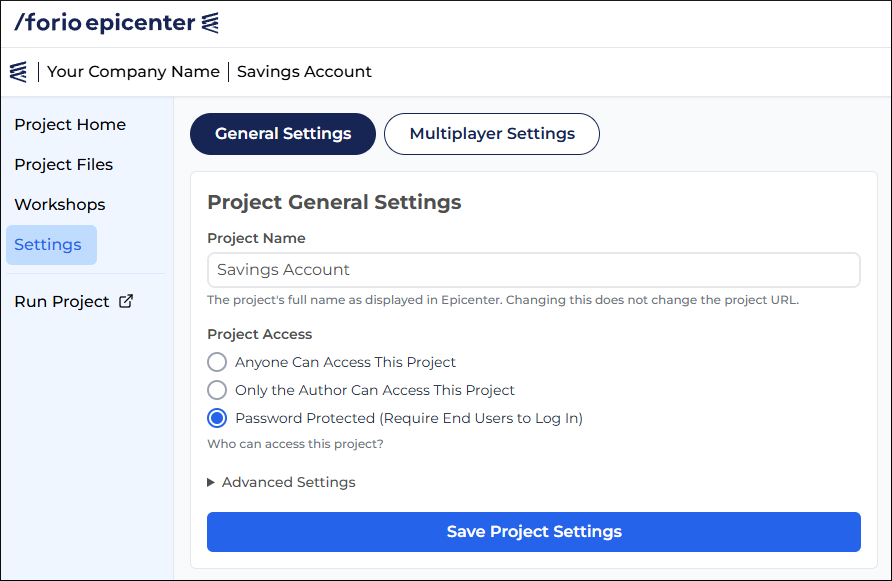
- Under Project Access, select Password Protected.
- Click Save Project Settings.
Test your application
To log in as one of the users you created:
- Open the project home page.
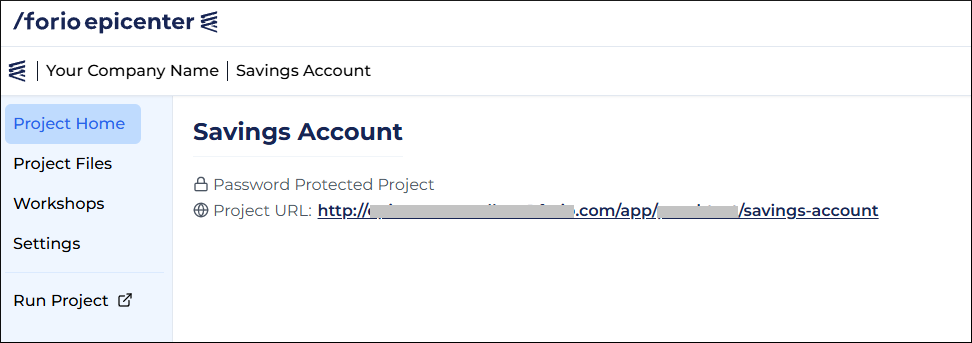
- Click the project URL, or click Run Project on the left. The application's login screen opens in a new tab.
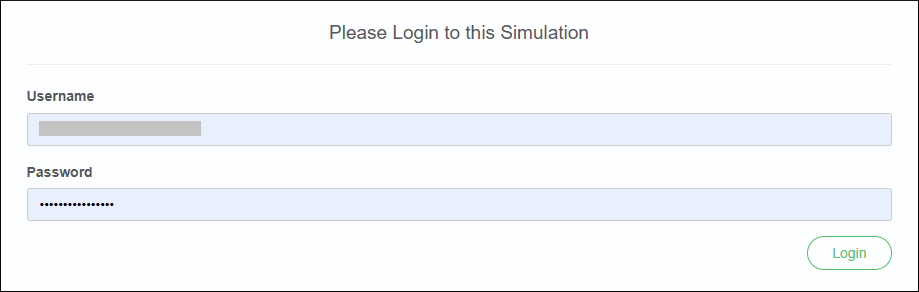
- Enter the username and password for one of your users.
- Click Log in.