Play the Game
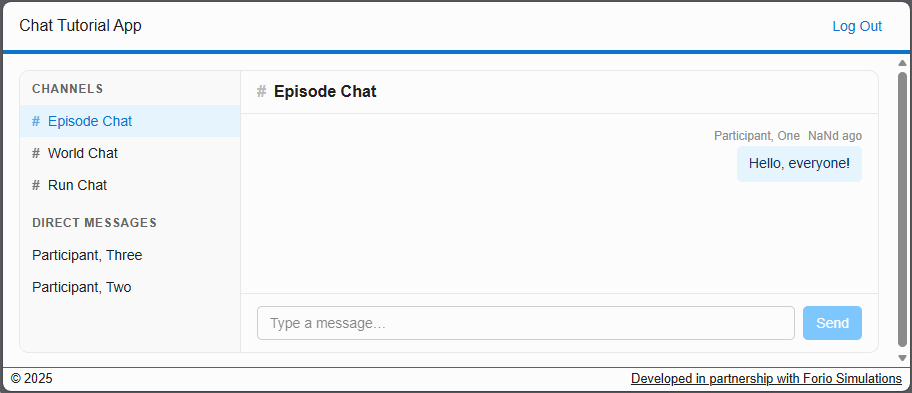
Log in to the app as a participant to send group messages and direct messages to other players.
Important
If you haven't assigned users to roles when creating the project, you must do so before running the project for the first time as described in Assign roles
Access the application
- Run the application as described in Create the Project.
- To play the game, log in as a participant.
- To create new run configurations, log in as a facilitator, or log into Epicenter.
Play the game
As a participant
Log in as a participant to view and post messages to the group and individual chat rooms.
As a facilitator
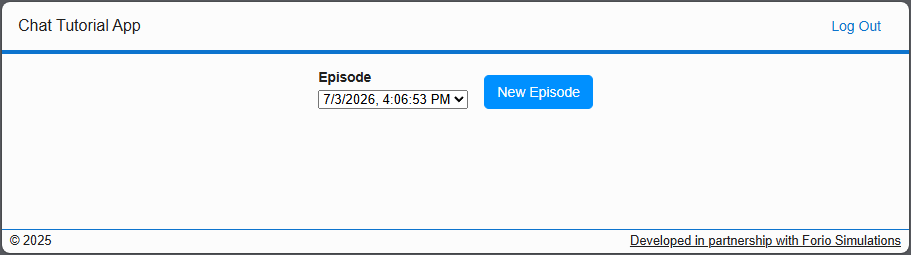
To create a new run configuration, click New Episode.
Important
After you create a new episode, you must log into Epicenter and assign worlds for the latest run configuration.