Upload Your Model
In this chapter, you create a new personal project and upload your model.
- Start by logging into Epicenter.
- Create a new project. You are redirected to the project's home page.
- On the left, click Project Files.
- On the Model tab, click Upload Files.
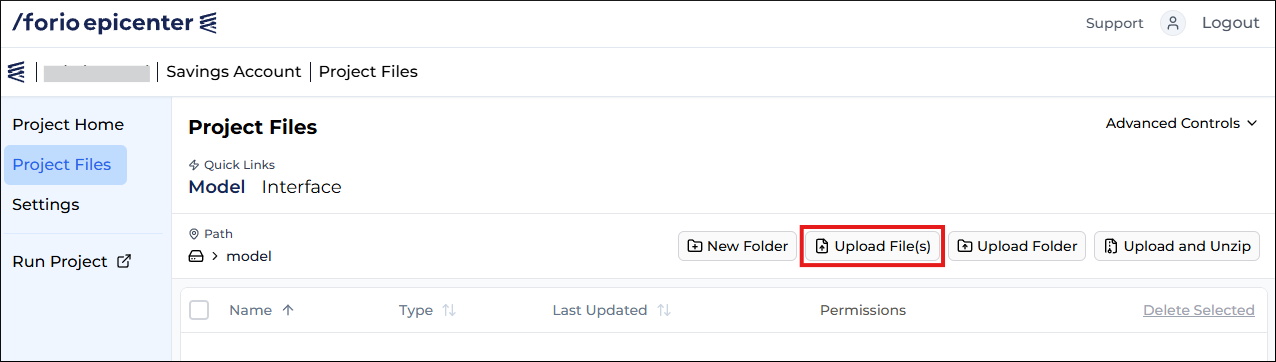
- Upload the Savings Account Excel model you created in the previous chapter.
Note
Epicenter will automatically create a CTX2 model context file for you. You don't need to edit it for this tutorial.